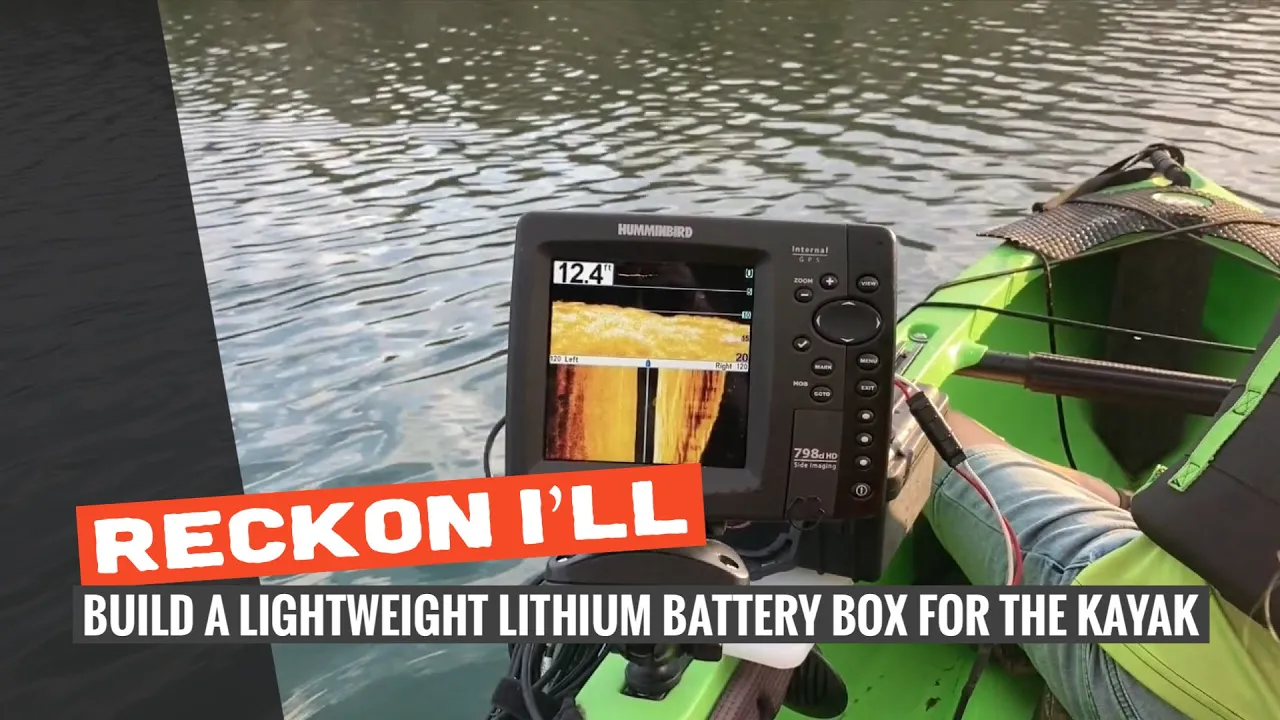
DIY: Build A Portable Battery Box for My Kayak Fish Finder
I only recommend products I believe in and use myself. If you purchase something using a link to an item on a post, I may earn a small commission at no additional cost to you. Read More
Warning: Wiring electrical components like lithium batteries and chargers can be hazardous if not done correctly. Short circuits can lead to fires. This post is to give insight into my build process, but be sure to consult an expert or follow manufacturer wiring diagrams before attempting.
My previous battery setup was a mess of separate parts, and I found myself forgetting gear every time I headed out. I wanted a self-contained unit that could ride right on the kayak rail, hold my fish finder, and charge my electronics. By using a Pelican Case and a YakAttack SwitchBlade, I built an all-in-one system that can articulate down when in use and stow away easily.
Step 1: Create the Rail Mounting Plate
Since the goal is to mount this directly to the kayak rail, start with a 6x10 poly cutting board. Bisect it down the middle and mark holes at the one-inch and two-inch marks. These will hold the Mighty Bolts that secure the box to your track system. Ensure you have enough clearance for the Pelican case to sit centered. [00:41]
Step 2: Attach the Pelican Case
Center your Pelican case on the cutting board and drill four holes through the bottom. Use one-inch stainless steel hardware to bolt them together. Apply a generous amount of Marine Goop around each hole before tightening down with Nyloc nuts to ensure the case remains waterproof. [01:31]
Step 3: Install the USB Port and Wiring Pass-Through
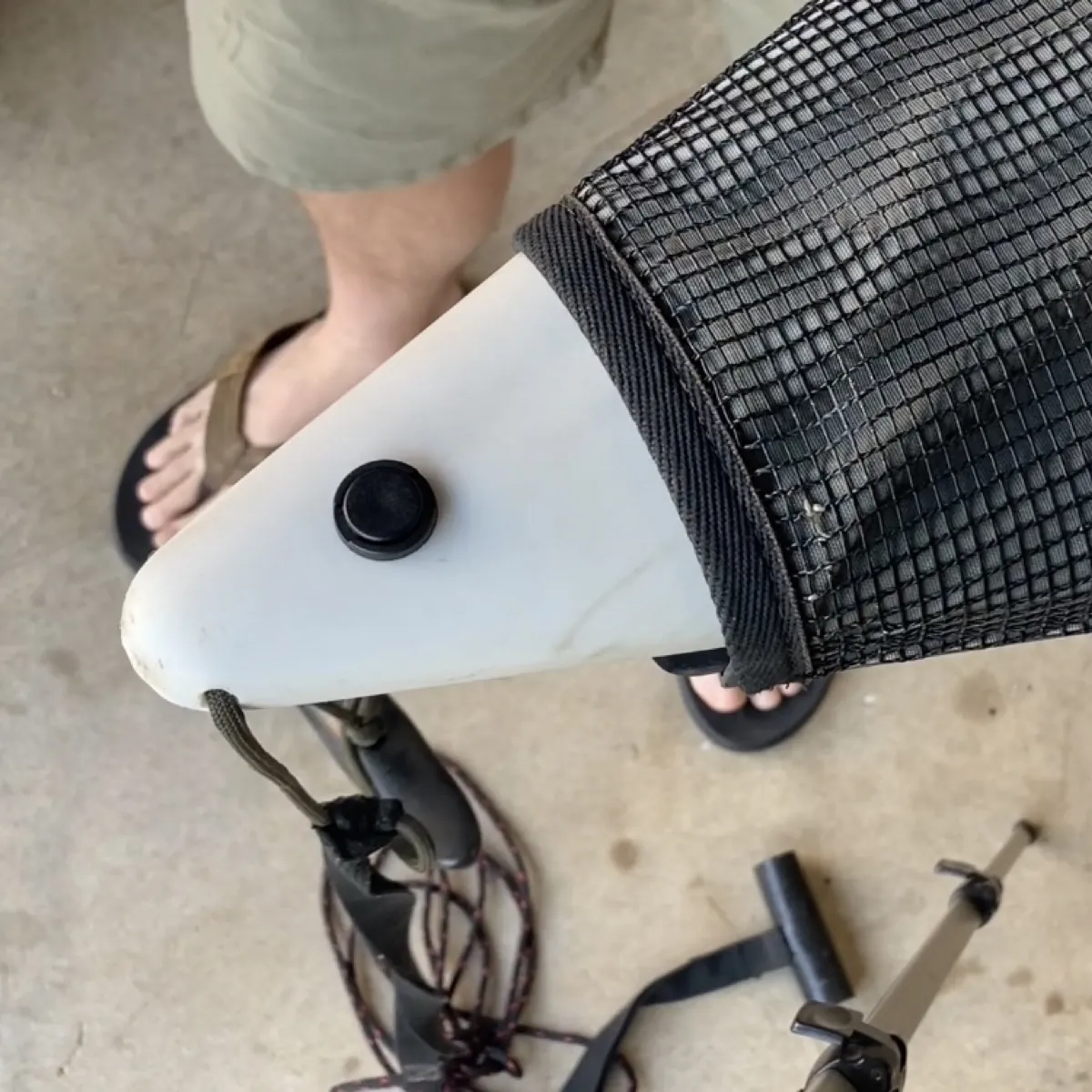
Drill a 1-1/4″ hole in the side of the Pelican case for the USB charger. Position it high enough to ensure clearance for the lid to close properly. [02:41] On the opposite side, install a cable gland. This allows your fish finder power cable to pass through while maintaining a watertight seal. [04:00]
Step 4: Wire the Internal Electronics
I used 14-gauge wire and spade connectors for the main battery pigtails. To keep the wiring clean and expandable, I used Wago Connectors—just put all red wires in one and all black in the other. [03:12]
USB Circuit: Repurpose the fused 10-amp line that typically comes with the port. [03:34]
Fish Finder Circuit: Add a 3-amp inline fuse to the positive side. [04:40]
Step 5: Seal Everything Up
Thread your fish finder power cable through the cable gland and tighten the nut. I like to add extra Marine Goop around the gland and the USB port for peace of mind. Use a clamp to hold the USB port tight against the case while the Goop cures for a perfect seal. [05:04]
Step 6: Mount the Transducer Arm
The YakAttack SwitchBlade plate mounts directly to the front of the Pelican case. I swapped the standard knob for a Screwball to provide a mounting point for the fish finder screen. This setup allows the transducer arm to articulate in and out of the water while keeping everything in one compact footprint. [05:52]
Wrapping Up
Switching to a lithium battery saved a ton of weight on the rail, and having everything in one box makes pre-trip prep much faster. It worked perfectly on its first outing with the kids and is a much cleaner setup than what I was running before. Hope it helps y'all!
Materials Needed
(May Contain Links that Earn Commission)
•
Poly Cutting Board (for the mounting plate)•
14 Gauge Wire and Spade Connectors•
Inline Fuse Holders (3A and 10A)